
How a remote and keypad talk to the opener
Each remote sends a coded radio signal. The receiver in the opener's motor head stores the codes of every remote it has learned, and you add to that memory with the learn button on the motor head. Openers made since the late 1990s mostly use rolling codes: the code changes with every press, so a recorded signal or a neighbor's remote will not open your door.
That security comes with a catch. A remote works only with openers that use its radio system. On LiftMaster and Chamberlain openers, the color of the learn button shows which system the opener has, and the remote must match it. Genie and other makers have their own families of remotes, and a universal remote covers many systems but not every one.
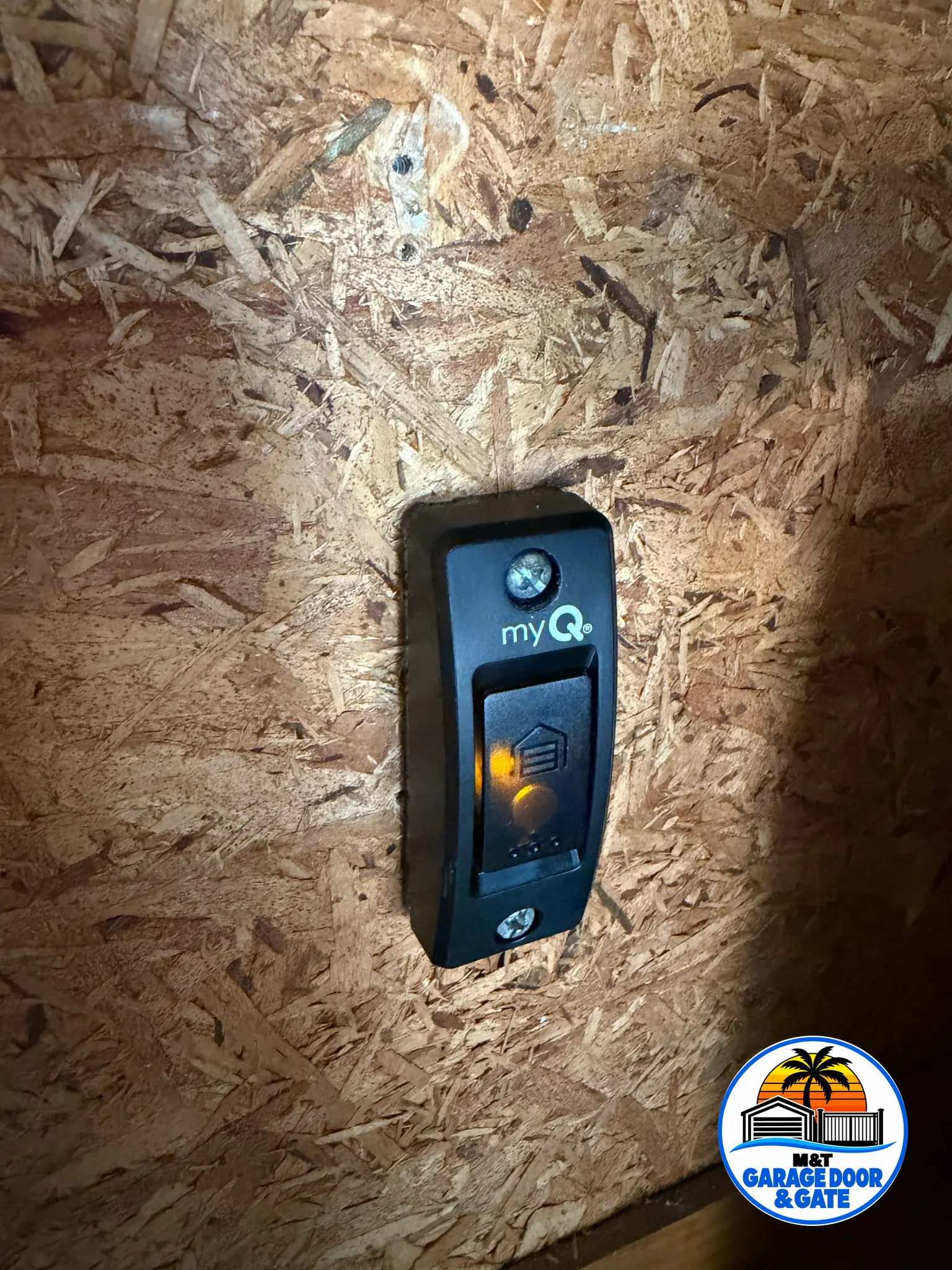
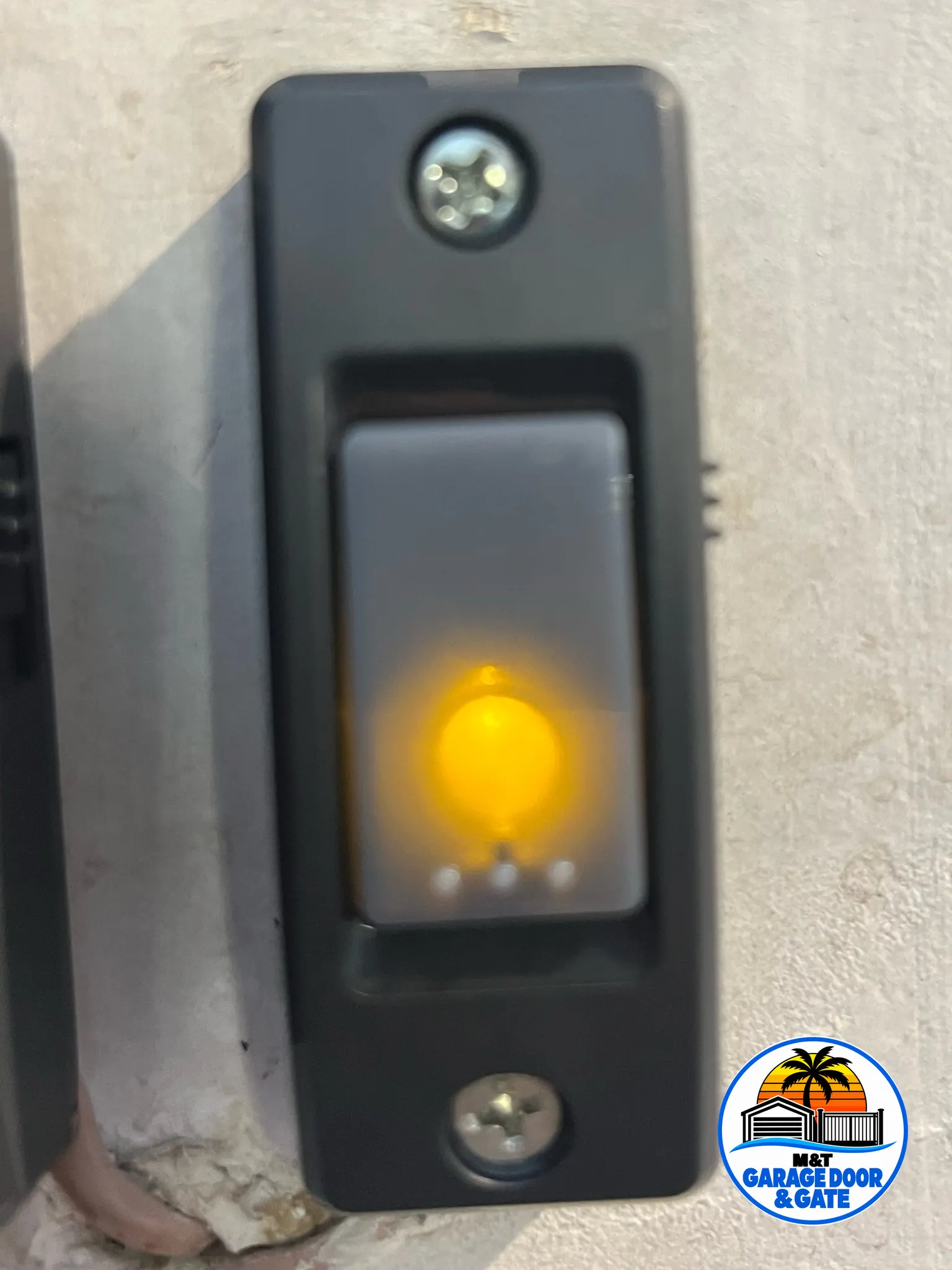
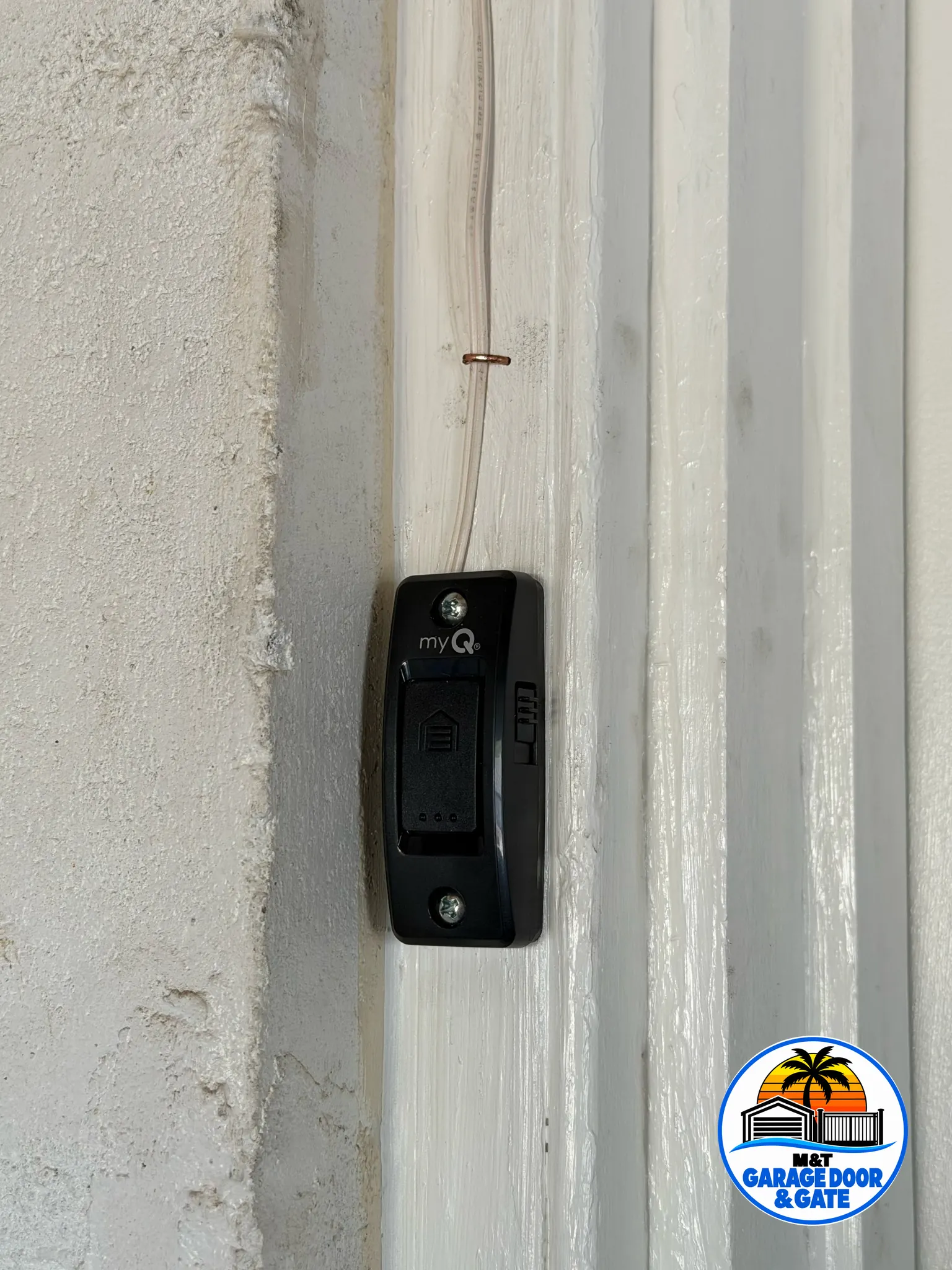
A keypad is a remote with a code lock on it. It stores your PIN and sends the opener a signal the opener has learned. The wall button is different: it is wired to the motor head with thin low-voltage wire, so it keeps working when every remote in the house has failed. That makes it the first thing to test.
Why a remote or keypad stops working
Most remote trouble has a plain cause. These are the ones we find most:
- A weak battery: the range shrinks first, so you have to get closer each week
- The lock or vacation mode on the wall control, which blocks every remote and keypad
- A remote that lost its pairing after someone cleared the opener's memory
- An LED bulb in the opener light that gives off radio noise and drowns out the remotes
- A damaged antenna wire on the motor head, or a failed receiver or logic board
- A keypad with water inside after a summer storm
Start with the checks you can do from the garage floor. Press the wall button, then look on it for a lock light or padlock symbol. Change the remote battery. If the opener light holds an LED bulb, unscrew it and try the remote again.
If the wall button does nothing either, the trouble is the opener, not the remote, and that is an opener repair visit. A dead wall button with lights on the motor head often means a broken wire or a failed wall control, which we can fix too.
What we program and pair
Remotes. We erase lost or stolen remotes from the opener's memory, pair the ones you keep, and set up matching remotes for the opener when you need more. Homes with two doors get each button set to the right door.
Keypads. We pair the keypad, set a fresh PIN with you, and remount a keypad that takes driving rain so it sits under the trim. A keypad that shorted out from water gets checked before we pair anything to it.
Car buttons. Built-in buttons in many cars can learn the opener. Some newer openers need a small adapter before an older car system will pair, and we tell you if yours does.
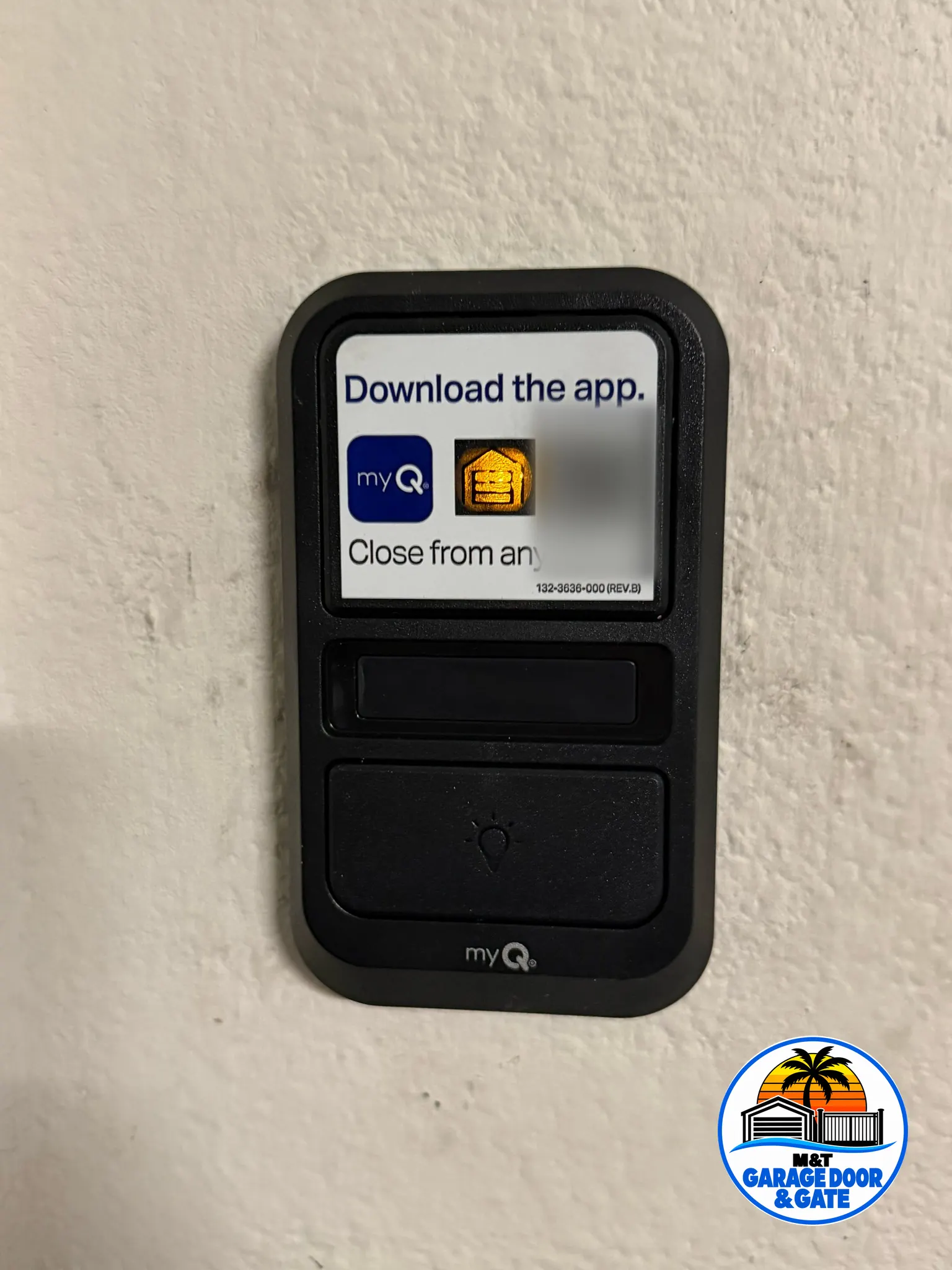
Wall controls and smart features. We test the wire run, repair loose or broken wire at the staples and terminals, and change a wall control that has failed. Where the opener supports it, we also pair its phone app or a myQ keypad.
Gate remotes, power outages and older openers
Driveway gate operators use remotes and keypads too, often on a different radio system from the garage. Programming those on an existing operator is part of our gate operator repair work, and we can set one remote to run both the gate and the garage when the systems allow it.
A power outage rarely erases remotes, but an opener can come back with its lock mode on or its light flashing a fault. Our answer on the garage door after a power outage walks through reconnecting the door and the opener.
Some old openers have a worn-out receiver, or a radio system few remotes still support. If yours is one of them, we explain the choices on the spot. The LiftMaster opener repair page covers that brand in detail, and if you are weighing a different opener with app control built in, our notes on picking an opener come first.
Remote and keypad help around Tampa Bay
We program remotes and keypads in Carrollwood, Town 'n' Country, Riverview, Odessa and the University Area, and out to Lakeland in Polk County.
Before the visit, gather every remote you have, even the ones you think are dead, and note the keypad PIN if you know it. If you can, take a phone picture of the opener's label on the motor head. It saves time sorting out which remotes will work.
How a visit goes
- Test the wall buttonWe confirm the opener runs from its wired button, so we know the motor and logic board are sound.
- Check power, lock and batteriesWe rule out the lock mode, weak batteries and noisy LED bulbs before touching the opener's memory.
- Clear and pairWe erase lost remotes, then pair each remote, keypad and car button you keep, one door at a time.
- Test range and safetyWe try every remote from the driveway and the street, then check that the door reverses on an obstacle.